Boost Your Resume: How to List Certifications & Courses Effectively
Certifications and courses can significantly enhance your resume, showcasing specialized skills and a commitment to professional development. But knowing *how* to list them effectively is key to making a strong impression. This guide will walk you through the best practices for integrating your educational achievements, ensuring they grab the attention of hiring managers and highlight your unique qualifications.
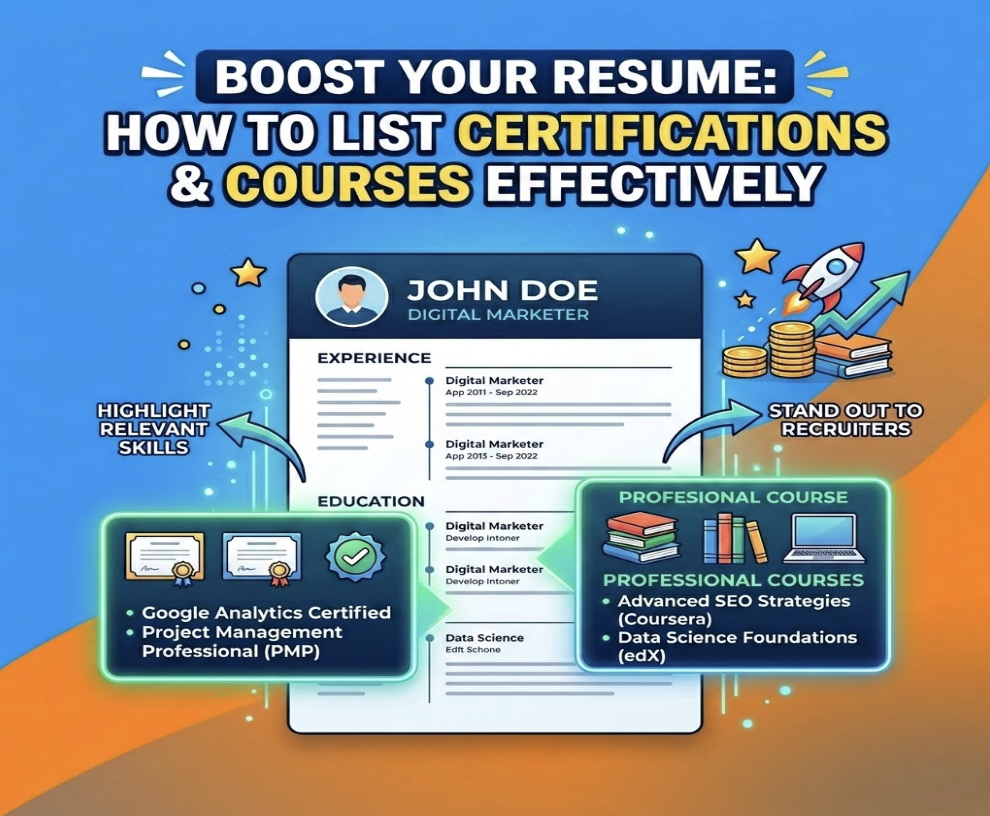
In today's hyper-competitive job market, a strong resume is more than just a history of your past roles; it's a strategic marketing document. To stand out, you need to prove you have the exact skills employers are looking for, and that's where continuous learning comes in. Highlighting your certifications and relevant coursework can be the secret weapon that moves your application from the "maybe" pile to the "interview" list.

Why Certifications & Courses Matter on Your Resume
In a sea of candidates, certifications act as a powerful differentiator. They provide tangible proof of your skills and expertise in a specific area, validating the claims you make in your experience section. For recruiters and hiring managers, a relevant certification can be a clear signal that you possess the practical, up-to-date knowledge required to excel in the role from day one. This is especially crucial for technical roles in fields like IT, marketing, finance, and project management.
Furthermore, listing certifications and courses demonstrates a commitment to professional development and a proactive learning mindset—a highly sought-after soft skill. It shows you're not content to rest on your laurels; you actively seek out new knowledge to stay current in your field. This dedication can be a deciding factor, particularly if you're a career changer or have a gap in your employment history. Applicant Tracking Systems (ATS) are also programmed to scan for these specific keywords, so a "Google Analytics Certified" entry could be the very thing that gets your resume past the initial digital gatekeeper.
Where to Place Certifications on Your Resume
The placement of your certifications section depends on its relevance to the job you're applying for and the number of certifications you hold. The goal is to ensure they are visible and impactful without cluttering the main body of your resume. Here are the three most effective options:
A Dedicated "Certifications & Professional Development" Section
This is the most common and recommended approach, especially if you have two or more relevant certifications. A dedicated section makes them easy for a recruiter to spot during their initial 6-second scan. Typically, this section should be placed after your "Experience" or "Education" section. It creates a clean, organized look and clearly showcases your specialized training.
Within Your "Education" Section
If you have only one or two certifications, or if they are highly academic in nature and were obtained as part of your degree, you can list them under your "Education" section. This keeps your resume concise. Simply list them below your degree and university information, using a clear subheading like "Certifications" or "Relevant Coursework" to distinguish them.
In Your Resume Header (Next to Your Name)
This prime real estate is reserved for critical, industry-standard credentials that are often a prerequisite for the job. Think "John Doe, PMP" or "Jane Smith, CPA." If a specific certification is a non-negotiable requirement for your field and you have it, placing the acronym after your name immediately tells the recruiter you are a qualified candidate worth considering.
How to Format Your Certifications & Courses
Consistency and clarity are your best friends when formatting your certifications. An inconsistent or confusing format can make your resume look sloppy and difficult to read. The key is to provide all the necessary information in a scannable, uniform way.
For each entry, you should include the following information in a clear, logical order:
- Name of the Certification: Write out the full, official name (e.g., "Project Management Professional" instead of just "PMP," unless the acronym is extremely well-known).
- Issuing Organization: Name the institution or company that awarded the certification (e.g., Google, Project Management Institute, HubSpot Academy).
- Date of Completion: Include the month and year you earned the certification. If it has an expiration date, you can list the valid range (e.g., "2022 - 2024").
- Optional - Link or ID: For some certifications, you can include a verification link or a credential ID. This adds a layer of authenticity and makes it easy for employers to confirm your qualifications.
Here are a few examples of excellent formatting:
- Project Management Professional (PMP), Project Management Institute, Issued Oct 2023
- Google Analytics Individual Qualification (GAIQ), Google Skillshop, Issued May 2024
- Certified Professional in Human Resources (PHR), HR Certification Institute, 2022 - Present
What to Include (and What to Skip)
Your resume is a highlight reel, not a full-length documentary of your entire life. Just because you completed a course doesn't automatically mean it belongs on your resume. The guiding principle should always be relevance. You need to be selective and strategic about what you include to make the biggest impact.
What to Include:
- Industry-Recognized Certifications: Prioritize credentials that are well-known and respected in your field (e.g., AWS Certified Solutions Architect, Salesforce Certified Administrator).
- Certifications Mentioned in the Job Description: If the job posting explicitly asks for a "HubSpot Inbound Marketing" certification and you have it, make sure it's front and center. This is a direct keyword match for the ATS.
- Credentials that Fill a Skill Gap: If your work experience is light in a particular area but you've completed a comprehensive course on it, including it can bridge that gap and show you've taken the initiative to upskill.
- Recent and Relevant University or Online Courses: A recent course on "Advanced Python for Data Science" from Coursera is highly relevant for a data analyst role.
What to Skip:
- Expired Certifications: Unless the skills are still highly relevant and the certification is a major accomplishment, it's usually best to remove expired credentials.
- Irrelevant Hobbies: That "Beginner's Guide to Sourdough" course, while delicious, has no place on your application for a software engineering role.
- Outdated Technology: Your certification in Windows 98 or an old, defunct software platform will date you and do more harm than good.
- Basic or Introductory Courses: Avoid listing courses on skills that are assumed for professionals, such as "Microsoft Word 101." The exception is if you are an entry-level candidate with limited experience.

Tailoring Certifications for Specific Job Applications
The single most effective strategy in a modern job search is tailoring your resume for every single application. A one-size-fits-all approach is a recipe for rejection by an ATS. Your list of certifications is a prime area for customization. Carefully read the job description to identify the key skills and qualifications the employer is seeking. Look for specific tools, methodologies, or credentials they mention.
Once you have your list of keywords, reorder your certifications to place the most relevant ones at the top. If the job requires a "Scrum Master" certification, make that the first bullet point. If it emphasizes data analysis, lead with your "Tableau Desktop Specialist" cert. This simple act of reordering ensures the recruiter sees your most important qualifications immediately. For a seamless and effective approach, use a tool like JobFix AI. Our platform's Missing Skills AI and ATS Score Checker analyze the job description and your resume to show you exactly which keywords and certifications you need to add to maximize your chances of getting an interview.
Showcasing In-Progress & Online Courses
Don't wait until you've passed the final exam to add a valuable certification to your resume! Listing a course or certification as "in progress" is a fantastic way to show ambition, current learning, and a forward-thinking attitude. It tells an employer that you are actively working to acquire the skills they need, even if you haven't fully mastered them yet. This can be a powerful tie-breaker, especially if the skill is in high demand.
When listing an in-progress course, be transparent. Simply add "In Progress" or "Expected Completion [Month, Year]" next to the name.
- Example: AWS Certified Cloud Practitioner, Amazon Web Services (Expected Completion Dec 2024)
Online courses from platforms like Coursera, edX, and LinkedIn Learning are also valuable additions, especially if they teach in-demand skills. Treat them like any other certification: list the course name, the platform, and the completion date. This is where the dynamic resume builder from JobFix AI comes in handy, allowing you to easily add, remove, and update your courses for each application without having to start from scratch.
Common Mistakes to Avoid
Even with the best intentions, small mistakes can undermine the credibility of your certifications section. Be vigilant and steer clear of these common blunders to ensure your resume looks professional and polished.
- Using Too Many Acronyms: While "PMP" is universally understood in project management, a lesser-known certification's acronym might just confuse the recruiter. When in doubt, write out the full name first, followed by the acronym in parentheses.
- Listing Irrelevant Credentials: As mentioned before, quality beats quantity. A long list of unrelated certifications creates clutter and suggests you don't understand what's important for the role.
- Inconsistent Formatting: Using different date formats or mixing up the order of the issuing organization and the certification name looks messy. Pick one format and stick to it.
- Lying or Exaggerating: Never claim to have a certification you don't. It's incredibly easy for employers to verify credentials, and being caught in a lie is a surefire way to get blacklisted.
Boost Your Resume: Key Takeaways
Your certifications and coursework are a testament to your skills and your drive. By presenting them strategically, you can significantly enhance your resume's power and appeal.
Here are the key points to remember:
- Certifications validate your skills, demonstrate initiative, and help you pass ATS scans.
- Place them in a dedicated, easy-to-find section for maximum visibility.
- Use a consistent format: Certification Name, Issuing Organization, Date.
- Always tailor your list to the specific job description by highlighting the most relevant credentials.
- Showcase in-progress courses to demonstrate your commitment to ongoing learning.
- Avoid common pitfalls like clutter, inconsistency, and using obscure acronyms.
By following these guidelines, you can transform a simple list into a compelling argument for why you are the best candidate for the job.
Ready to build a resume that gets noticed by recruiters and beats the bots? Your certifications are a powerful asset, and presenting them correctly is critical. Use the JobFix AI dynamic resume builder to create a perfectly formatted, ATS-friendly resume in minutes. Plus, with our AI-powered cover letter generator and ATS score checker, you'll have everything you need to land your dream job. Build your winning resume on JobFix.ai today!
Keep reading
Focused Resume vs. General Resume: Which One Actually Gets Hired
Focused resume vs general resume: see the data, real examples, and why one gets interviews while the other gets rejected. Choose the right strategy for your job search.
Focused Resume Before and After: 5 Real Transformations That Got Interviews
See real focused resume transformations with before and after examples. Learn how to turn generic resumes into targeted applications that land interviews.
Focused Resume Guide: How to Create a Targeted Resume That Gets Interviews
Learn what a focused resume is, how it differs from a generic resume, and how to create one with step-by-step examples. Use our free AI resume fixer.
Ready to build yours?
Put this guide into practice. JobFix.ai builds ATS-ready resumes with AI in minutes.
Try the AI builder